Blog

E0EFD6CC-89B8-4539-B0AF-491B526DADBA.jpg

42C981E4-9525-44D2-BDCD-259E6FD97041.jpg

Mike Lynch shares some of his tips for traveling with ink, nibs, and brushes. Taping a brush between two pieces of card stock is brilliant, and I don’t know why I never thought of it before.

Tags: , ,

I know that you love Adobe products and I’m sure that you love even more the things that you are able to create using the Adobe products. That’s why, I’ve collected some easy to understand and very useful Adobe Illustrator video tutorials created by top Illustrator designers from all around the web. Most people consider that Photoshop is everything and they don’t actually need another product for their design projects. I strongly recommend you to take a look at this great Adobe Illustrator tutorials and you will understand why I say that you also need to use AI for more professional and artistic creations.

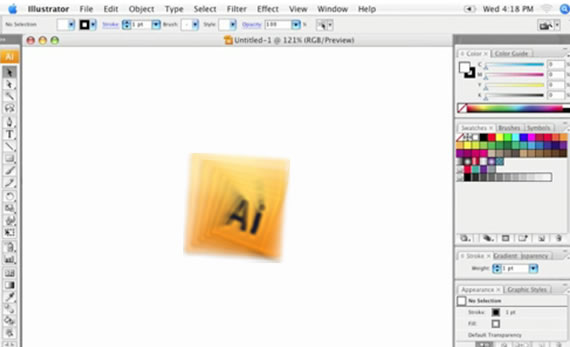
1. The Illustrator CS3 Interface

Learn about the User Interface and where you can find the tools you need.

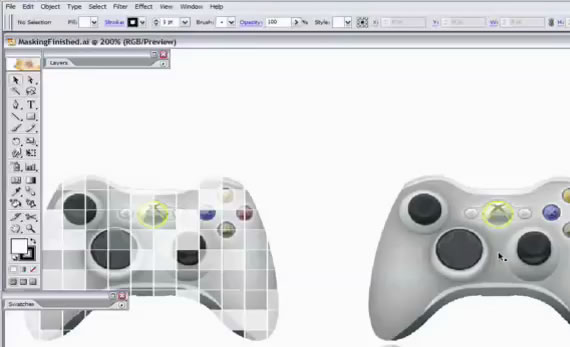
2. Everything about Masking in Illustrator

One very important thing in Adobe Illustrator: – The Masking properties.

3. How to use the pen tool in Illustrator CS2

Use the pen tool to make things more interesting

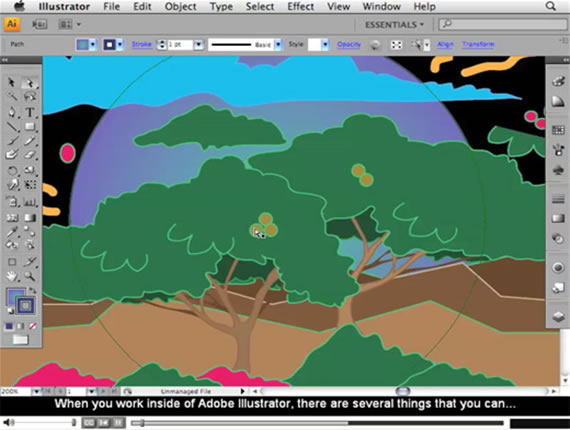
4. CS 4 Video Training

A complete CS4 Video for Beginners

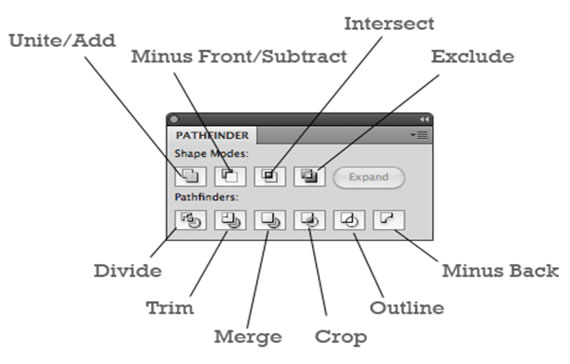
5. A Comprehensive Guide to the Pathfinder Panel

Learn how to use the Pathfinder in Illustrator.

6. Opacity Mask Tutorial

Hiding a part of your illustration can make more important another part of it.

7. Create an Ipod

We all love Apple products and this tutorial help you to customize the famous ipod in no time.

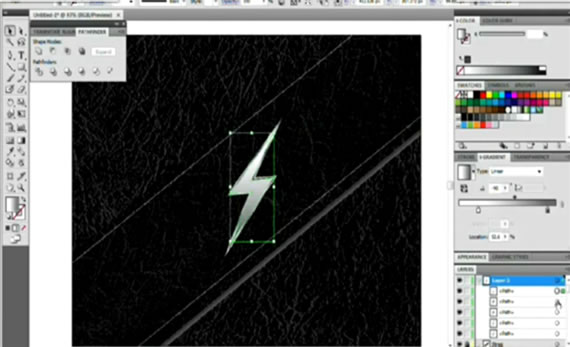
8. Metal Lightning Tutorial

Metal inspires professionals and this tutorial is 100% pro and free.

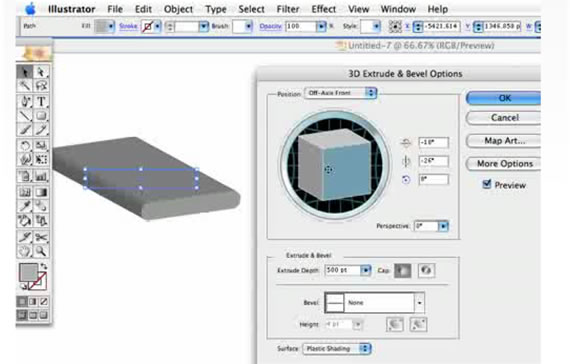
9. Make a 3D Logo in Illustrator

3D Logos are much more interesting than simple plain ones…so check this great tutorial to see how you can create one.

10. Adding Texture in Illustrator

Any type of texture for any type of Illustration.

11. Creating an Eye-Ball

Eyes are very important for any human character, and that’s why this is a very important tutorial.

12. Create a raw logo design

Professional Logo design for your company.

13. Create a neon glow in CS 3

This is a pro glowing effect.

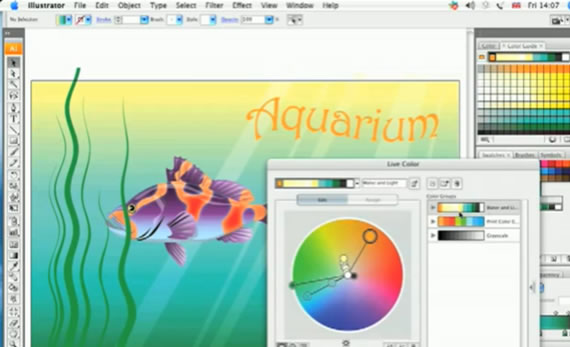
14. Live Color

Choose most interesting and inspiring colors for your creations.

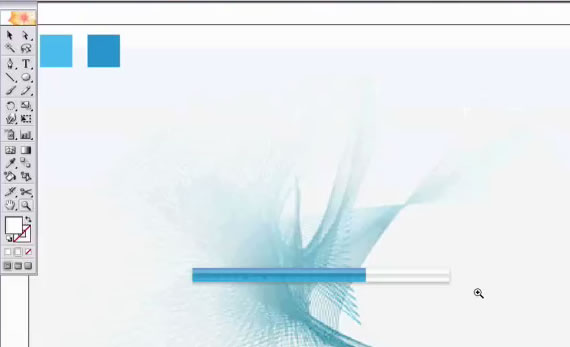
15. Drawing a gell progressbar

A progressbar is very important for Flash animations and applications.

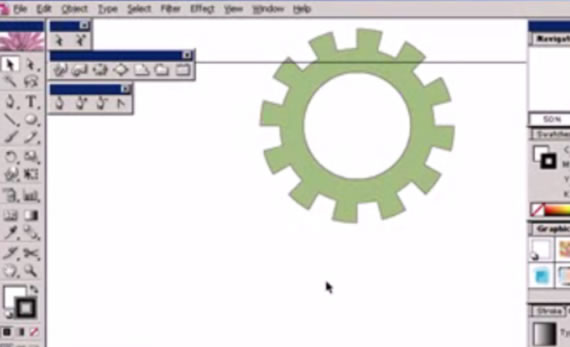
16. Draw Gear

Drawing a gear is just the title, but this tutorial will help you to create many types of illustrations.

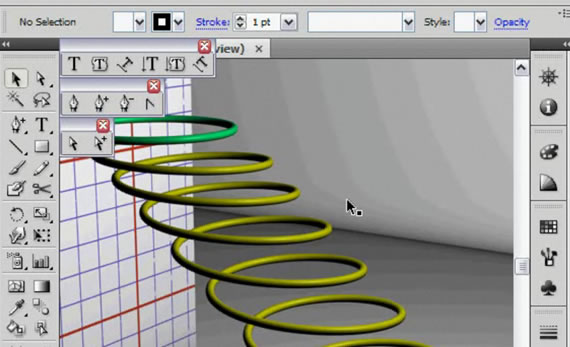
17. Create a Helix in Ai

A helix can be useful in many ways and that’s why you should take a look at this tutorial.

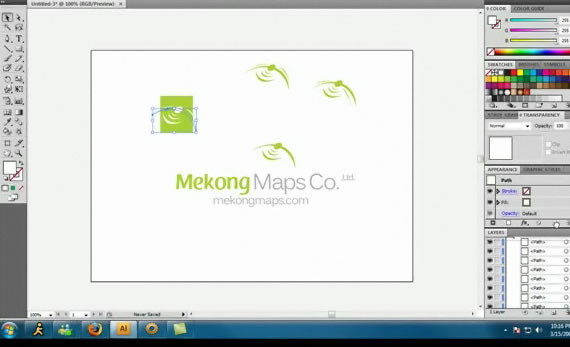
18. How to design a professional logo using Adobe Illustrator

Create a custom logo for your company.

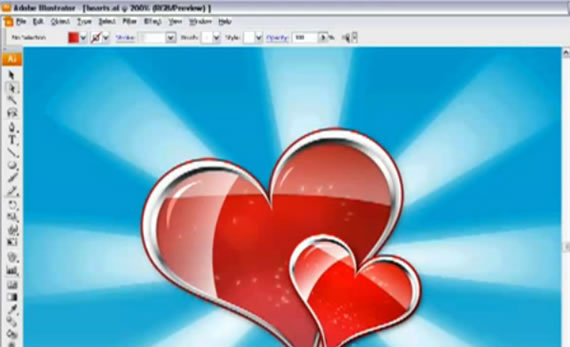
19. Draw a Valentine’s Day e-card

I know that it isn’t february yet, but you definitely should know how to draw a valentine.

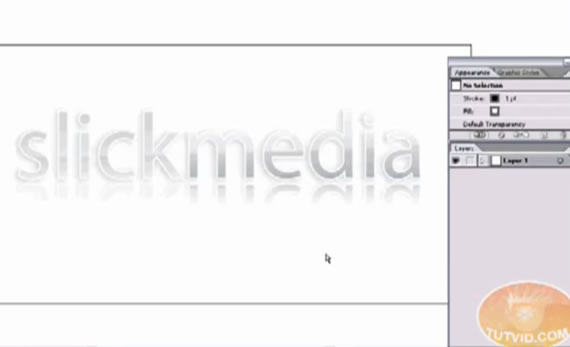
20. Shiny Text

Shiny text was always interesting and with this tutorial you will be able to create it too.

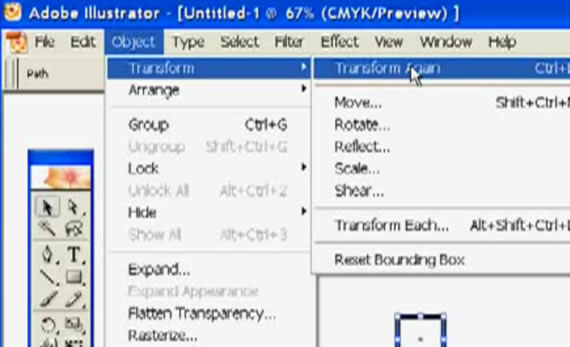
21. About Transformation Tools

Restizing, croping and wrapping can improve your works and make them more attractive.

22. Tribal Sun

Famous and cool sign created in illustrator.

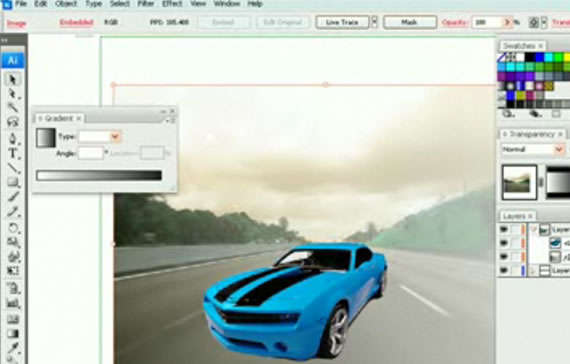
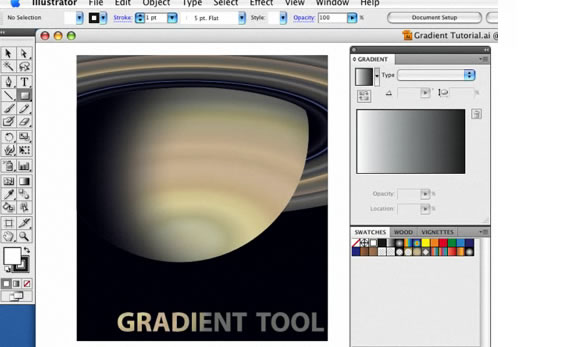
23. The Gradient Tool

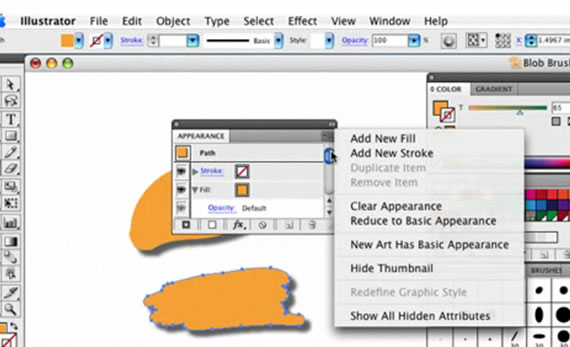
24. Blob Brush: Shape Objects

A cool new feature for Illustrator.

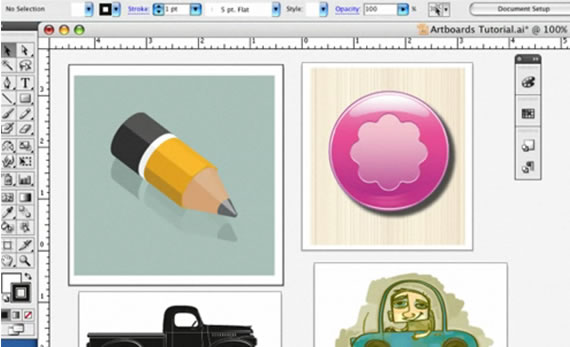
25. Artboards in CS4

Artboards feature for CS4.

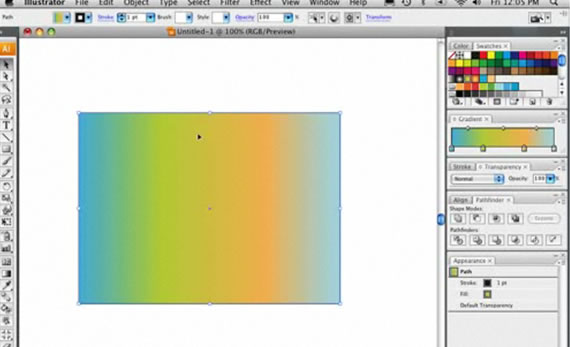
26. Blending Gradients

“Play” with gradients to create interesting designs.

27. Create a fusion between Adobe Illustrate and Photoshop

Use Photoshop and Illustrator components to build better and powerful designs.

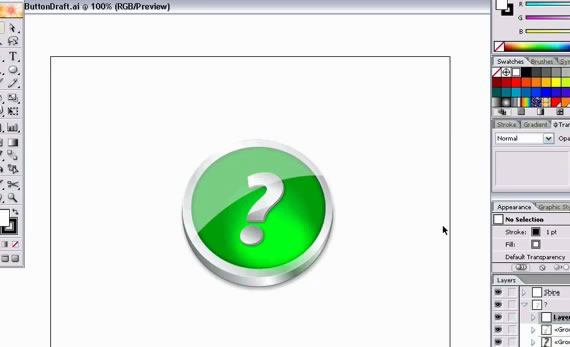
28. Create a metal like button

A very nice looking metal button.

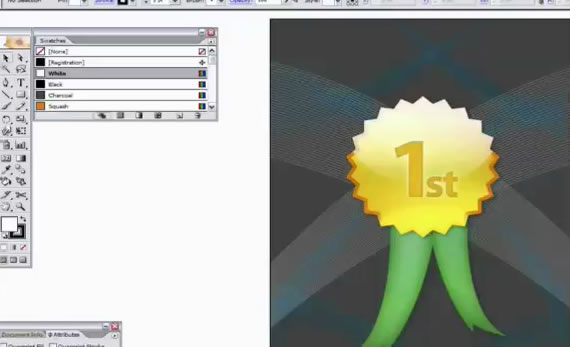
29. Cool Award Badge

Vey useful illustration for any type of activity which includes competition or quality review.

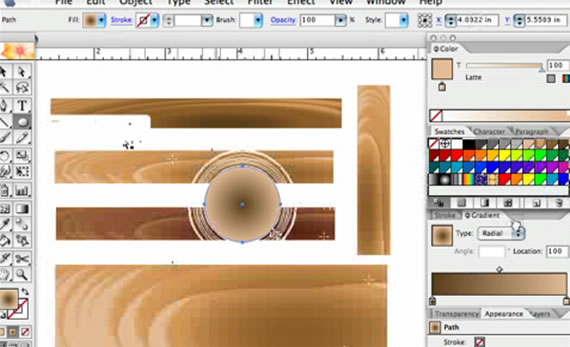
30. Wood Effect with gradients

Bring the nature into your creations.

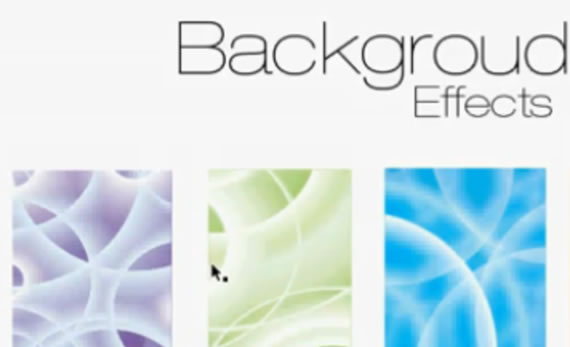
31. Background Effects Illustrator Way

Even if you are a beginner with this tutorial you will be able to create pro background effects.

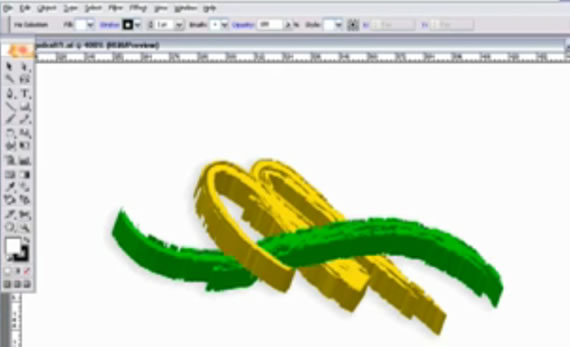
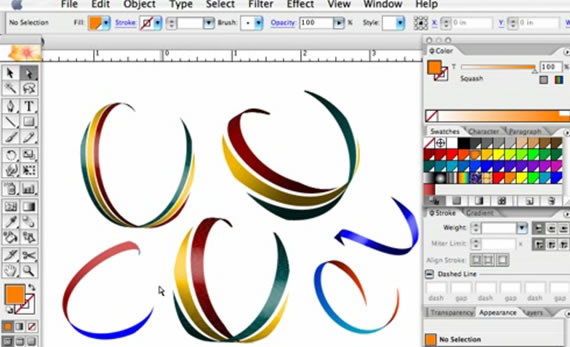
32. Create Ribbons

Cool and instant ribbons.

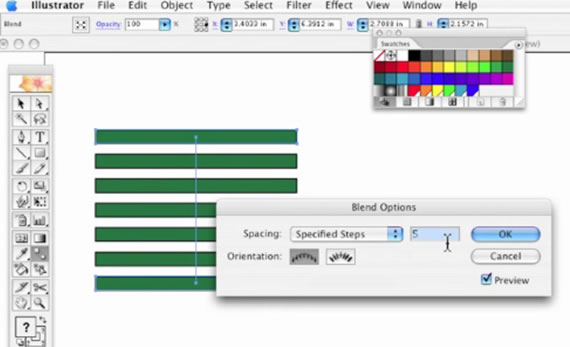
33. Spacing Boxes in Illustrator

This will make your job a whole lot easier.

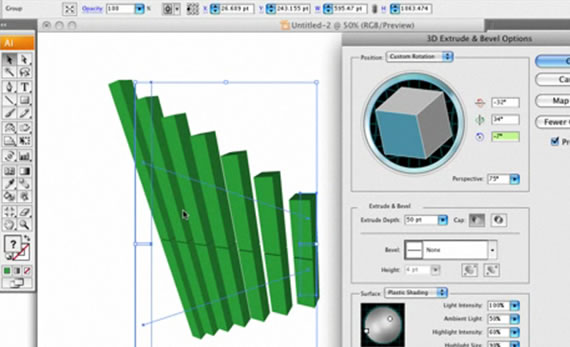
34. 3D Effects Graph

Create a cool stats graph in 3D.

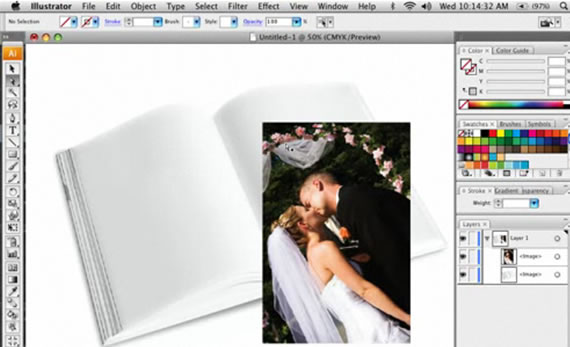
35. Wraping in Illustrator

Modelate your images and illustrations in no time.

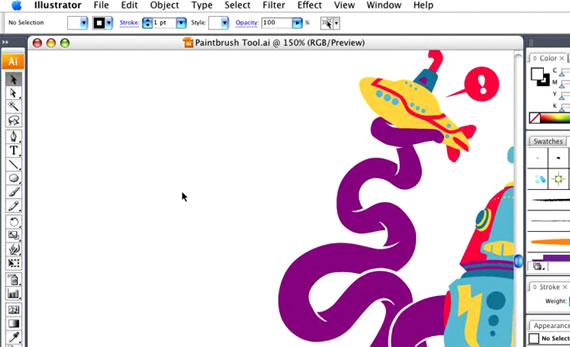
36. Using The Paint Brush Tool

The most essential drawing tool available in Illustrator and Photoshop.

37. Draw Fluffy Clouds

Funny and flower-power clouds.

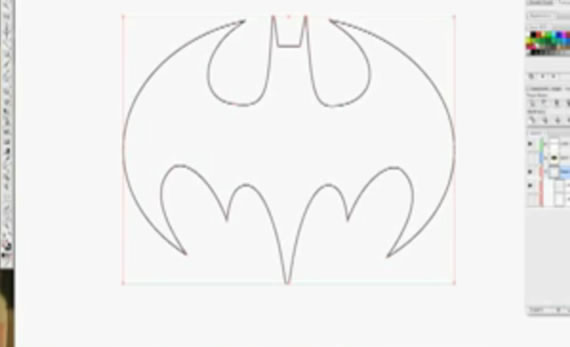
38. How to draw Batman’s logo

One of the coolest Cartoon hero sign can now be easily reproduced in Illustrator

39. Intricate Patterns

Create cool backgrounds for your design projects.

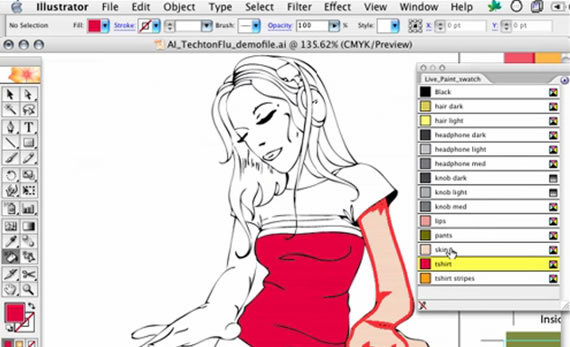
40. Using Live Paint

Bring life into your Illustrator creations.

41. Line Draw for Cartoons

Make your cartoon creations more interesting for everyone.

There are a lot of factors that play a role in determining the success of a freelance web designer. Obviously, design ability and technical skills are needed, but other factors like customer service, marketing, networking, and work ethic will have a significant influence. In this article we’ll take a look at customer service as it applies to freelance designers.

Providing high-quality customer service can at times be frustrating for freelancers, but taking good care of your clients is critical for client retention and for encouraging word-of-mouth referrals. Here we will look at 10 aspects that should be considered by freelancers who aspire to provide a high level of customer service.

1. Being Reachable

When clients have a question or a problem, they want to know that there is someone they can contact to get help. Of course, freelancers don’t have a team of customer service people ready to handle calls and emails around the clock, but in general it’s necessary to be accessible to clients. Clients should know the best ways to contact you (office phone, cell phone, email, through a customer service portal, IM, Twitter, etc.) and when they can expect to get a response if they are not able to speak with you immediately. Most clients understand that freelancers will not be available 24 hours a day, but they should know that you are interested in helping them and the best way to go about it.

2. Timely Response

Since it’s very common to deal with customer service via email and voice mail, the client should be able to know that you will get back to them as quickly as possible. The amount of time will vary, but clients should not feel like their messages are falling through the cracks and only answered whenever you have the spare time. Clients will appreciate customer service that involves a prompt response, which shows that service is a priority to you.

3. Organization

Organization is important in order to be able to provide quality customer service with timely responses. Working on multiple projects at any given time, plus some questions/issues from other clients needing maintenance, means that without organization it will be difficult to stay on top of things. Some freelancers use a CRM (see 12 CRM Options for Freelancers), while others institute their own system for organization. Organization also has a major impact on the ability to meet deadlines, which is a critical aspect of keeping your clients satisfied with your work.

4. Patience with Explanations

Clients like to work with designers who are willing and able to meet them at their level, where the designer will explain things in a way that makes sense to the client. There will be plenty of situations where you will need to explain your reasoning to the client, whether it be in response to a question or suggestion from them, or whether it is something that you feel needs to be pointed out. Taking the time to explain things without technical jargon will help to educate your clients and should help to make your job easier going forward.

5. A System for Quotes/Estimates

Some designers use packages with set prices for specific types of projects, but many designers will provide a quote specifically based on the needs of each client. Even for those designers that offer prices by packages, there will be situations where a client’s needs do not quite fit into one of the existing packages and a quote will be needed anyway. Pricing design services is a hot topic that gets a lot of attention, but the quote/estimate process doesn’t get as much attention.

The quote involves more than just being able to price your services. It should also help you to evaluate exactly what the clients needs and what you can offer, the specific details of what is included in the price and what is not, any deadlines and/or project milestones that are involved, and any other relevant details. Having a system will help you to get information from the client that will help you to make better estimates, provide a timely response, and to cover all bases so that both the designer and client understand the specifics of what is being offered.

6. Effective In-Take Process

One of the most critical aspects to a successful design project is getting to know and understand the client’s specific needs, their business, their customers, and what is needed from the website. In order to get this right, it is necessary to dedicate the needed time upfront before the design work begins. Many designers have standard approach to client in-take that helps them to make sure all the right questions are asked.

Putting more effort in to the early stages of the designer/client relationship will help to improve the customer service down the road. A project that involves a solid in-take process will result in a more effective and efficient use of your time, and fewer issues that will need to be resolved at later stages of the process, which will make your customer service much easier.

7. Clear Contracts and Terms

Contracts not only serve to protect everyone involved from a legal perspective, but having contracts and clear terms with clients will help to reduce the potential for miscommunication and misunderstanding about pricing, payment terms, what is included in the price, and the responsibilities of the designer and the client. A lack of clarity in any of these areas can lead to problems and lots of customer service work.

8. A System for Working with Feedback

Every client project will involve some sort of feedback, and many will require revisions from the designer. In some cases, the feedback may be coming from a few different sources, and it could involve a number of different people. This contributes to making it even more important to have a system to deal with feedback and to incorporate it into the project.

There are a number of different resources out there, such as Proof HQ, that are available to make the process more streamlined and effective.

9. Concern for the Client’s Best Interest

In order to provide the highest level of customer service possible, it is necessary to have the client’s best interest in mind. There will be situations where you could recommend something to a client that would involve more money for you, but it may not be in the best interest of the client. While putting the client’s interests in priority may cause you to miss out on some income opportunities in the short-term, it’s a necessary part of providing good customer service. Clients will recognize when you are truly looking out for them and it will lead to increased trust in you, a greater chance of getting repeat business, and more referrals from current and former clients.

10. Respect for Your Time

Just like you need to respect your clients, you also need to respect your own work and time. Simply catering to unreasonable requests or doing endless revisions for clients that keep changing their mind is not required to provide good customer service. The ideal designer/client relationship involves mutual respect and a concern for being fair on both sides. There will be times when providing some type of service to your customer is outside the scope of the contract. In these situations the best customer service will involve a willingness to help the client get the service that they want, but at an additional fee.

Provide the best customer service that you can, but also have a respect for your time that prevents you from getting walked on. A healthy designer/client relationship will produce the best results for the client, improve the chances of a long-term working relationship, and promote a genuine interest in working together for success.

What’s Your Experience?

From your experience, what do you feel are the most essential aspects to customer service for freelancers?


David Airey is a very talented graphic designer and logo designer and he recently published a book Logo Design Love that is “a guide to creating iconic brand identities.” I’ve followed David through his blog for a few years now and I’ve always had a great deal of respect for his work. I recently had a chance to take a look at his book (I haven’t had the chance to read the whole thing yet, but what I have read is very good), and I thought it would be interesting to interview David about his work and the process of writing the book.

David Airey

Can you tell us a little bit about yourself and your background?
I was born in 1979, in Bangor, Northern Ireland (a few miles outside the capital city, Belfast). I began studying graphic design in 1995, and finished my formal design education in 2003, with a number of qualifications behind me, and an internship in Pittsburgh, USA.

After extensive travel and a stint teaching English as a second language I landed a job in advertising sales for The Scotsman, Scotland’s national newspaper. Design jobs weren’t readily available, and I considered the ad sales a temporary role until I found design-related employment. Working at The Scotsman put me in contact with an old friend who told me about a print management opening at a nearby cancer charity. I applied, and got the job. My responsibilities were for the organization’s gamut of print design, print buying, and web management.

Around May 2006 I chose to become self-employed, taking on my former employer as my first client. I worked with them for a couple of years on a part-time basis (two or three days per week), sending monthly invoices for the work completed. The rest of my time was spent building a web presence and attracting new clients.

Why have you chosen to specialize in logo design rather than some other aspect of graphic design?

Identity design projects are relatively short in time frame (i.e. one or two months, sometimes longer). This means I’m working with a widely varied client base in order to stay busy, and as such, I learn an incredible amount about how different industries operate.

I don’t think I’d be anywhere near as motivated if I was always working with the same design limitations (i.e., as an in-house designer with strict brand guidelines).

How influential has your blog been to your own personal branding and the development of your career?

Without my blog, you’d not be reading these answers. I doubt you’d want to interview me, and I doubt you’d know about my work. The Internet can open so many doors, and it’s up to each one of us to tread our own path. Seth Godin published a relevant post, Seven years gone.

David Airey

What would you say are some of the most important characteristics for a successful logo or identity?

An effective logo should be distinctive, memorable, original, and relevant to the industry within which the identified company operates. It’s the tip of the branding iceberg, and should be consistent with the entire visual identity system.

What are some of the most common mistakes that you see being made in logo design?

I see a lack of imagination. The most obvious solution can sometimes be the most effective, but obvious does not equate to dull.

Melbourne

For instance, look at Landor’s 2009 identity design for the City of Melbourne. The solution is based upon the first letter of the city’s name, the ‘M’, and is probably the most obvious idea possible. But Landor took it, pushed boundaries, and created a stunning visual system to match any I’ve seen elsewhere.

Can you explain to us the typical process that you would take with a client for a logo design?

The first step is choosing the client, and I’m sure many of your readers will agree that not all potential clients are a good fit.

Over the years I’ve been able to pre-determine a healthy working relationship by asking the right questions before a project begins, and I outline these questions in my new book, Logo Design Love: A Guide to Creating Iconic Brand Identities. In fact, the whole book is based upon the design process I carry out, and you can download a free chapter here.

You’ll find a less-detailed, online overview of my identity design process here.

How long was the process to write the Logo Design Love book and to get it published?

Almost one year to the day. I first chatted with my publisher, Peachpit, in December 2008, and it was December 2009 when I finally held a tangible copy of the book.

Logo Design Love Book

How did you go about finding a publisher for the book?

Peachpit found me through my design blogs, which is another reason why I place so much emphasis on the importance of a strong online presence. I wasn’t planning to write a book last year, but when asked, I thought, “Why not?”

Publishing a book on a specific topic certainly goes a long way towards demonstrating your expertise to potential clients. Was this a factor in deciding to write the book?

It was. Another factor was how I find myself being asked more and more questions about the process of design, so I think there’s a gap in the market for a book such as mine.

After your experience with the book, is it something that you would consider doing again in the future?

My publisher asked me to think of another project for 2010, but I’m not sure I want to tackle one just yet. I’ll consider it in future, though. We’ll see how it goes.

If you’re interested in logo design, I recommend that you check out David’s book Logo Design Love.

Free Vectors — Social Networking Icons (10 Colors/2 Styles)

Included are 21 social networking icons, in 2 different styles, with 10 color variations total. So in short, it’s a lot of icons! One of the styles is more glossy/gradient-y, and one of the styles is flat. Also, the download includes both CS & CS3 files.

Read More

Streaks of Light: 40 High Resolution Photoshop Brushes

Today, I am releasing one of my favorite sets of brushes to date; a set of 40 high resolution Photoshop brushes for creating streaks of light. It seems like each set of light effect brushes I make get better and better. This set is really amazing and I hope that you enjoy them!

Read More

Free Texture Tuesday: Bokeh

A set of 5 bright and colorful high resolution bokeh textures.

Read More

Abstract 3D Renders Pack – 33 Free Images

This abstract render pack comes filled with 33 images of 3D abstract renders. All the images are in PNG format with transparent backgrounds. For the adventurers out there, we have also included two of the 3ds Max files that this pack was created with!

Read More

108 Mono Icons: Huge Set of Minimal Icons

There are 108 simple icons included in this set. The icons are avaliable in 32×32 px .png (transparent background) format.

Read More

330 Free Letter Pressed Icons

A collection of over a 100 letter pressed icons, in various letter pressed styles exclusive to Creative Nerds readers. The icons include three PSD files which are full of icons which you can drag and drop into your designs.

Read More

5 Free Tape Brushes

Tape is often used to hold things together or fix broken items. That being said, I don’t think these brushes will fix a bad design, but they will surely add a nice touch to hand drawn styles and anything else you find them useful for. Each brush measures around 2500 pixels.

Read More

HTML5 Visual Cheat Sheet (Reloaded)

This cheat sheet is essentially a simple visual grid that contains a list of all HTML tags and of their related attributes supported by HTML 5. The simple visual style I used to design this sheet allows you to find at a glance everything you are looking for.

Read More

Design Cartons Free Icon Set For Designers

Here are 5 high quality icons of boxes/cartons that you can use to announce the launch of a new application or on your portfolio websites. There is plenty of space to add your own flavor to the graphics like your name, important dates, blog names, app names etc.

Read More

Tipz — Free WordPress Theme

A free WordPress theme from Alex at Crazy Leaf Design featuring widget ready areas, 3 columns, 2 sidebars (right and left), featured post section with featured image custom field, integrated logo changer (text or image).

Read More

Free Vector Icons: Panda Social Network Icons

A free package containing 12 sweet panda animals, 128×128 pixels each, that have social network marks on their stomach. You’ll get 12 .png files and 1 vector (.ai) file in case you need to rescale them (in Adobe Illustrator format).

Read More

Free Sketching & Wireframing Kit

Sketching & Wireframing kit is a free set of elements for sketching and wireframing. It consist of form elements, icons, indicators, feedback messages, tooltips, navigation elements, image placeholders, embedded videos, sliders and common ad banners.

Read More

18 Stained Brown Paper Textures

A large set of high resolution stained brown paper textures.

Read More

11 Free Scaffolding Grunge Vectors & How-To

This set of 11 Free Scaffolding Grunge Vectors was specifically created with large print designs in mind, but they can be used in web projects too. It’s a common technique to slightly destroy large type in ads and other print campaigns.