Inspiration

I know that you love Adobe products and I’m sure that you love even more the things that you are able to create using the Adobe products. That’s why, I’ve collected some easy to understand and very useful Adobe Illustrator video tutorials created by top Illustrator designers from all around the web. Most people consider that Photoshop is everything and they don’t actually need another product for their design projects. I strongly recommend you to take a look at this great Adobe Illustrator tutorials and you will understand why I say that you also need to use AI for more professional and artistic creations.

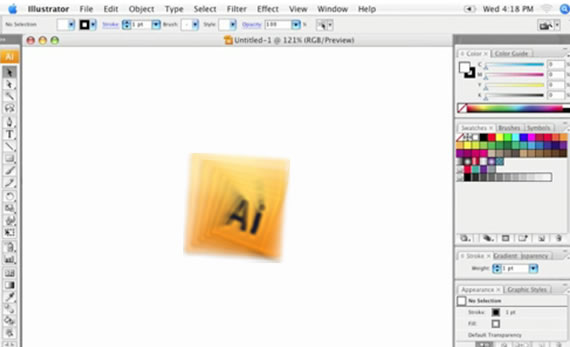
1. The Illustrator CS3 Interface

Learn about the User Interface and where you can find the tools you need.
2. Everything about Masking in Illustrator

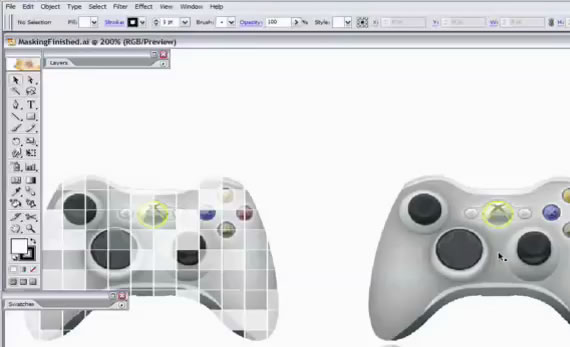
One very important thing in Adobe Illustrator: – The Masking properties.
3. How to use the pen tool in Illustrator CS2

Use the pen tool to make things more interesting

4. CS 4 Video Training

A complete CS4 Video for Beginners
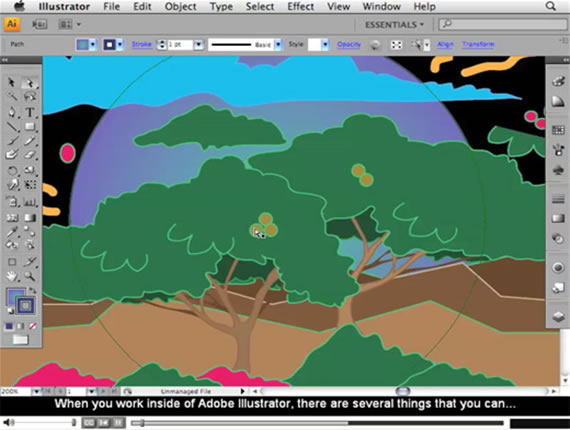
5. A Comprehensive Guide to the Pathfinder Panel

Learn how to use the Pathfinder in Illustrator.
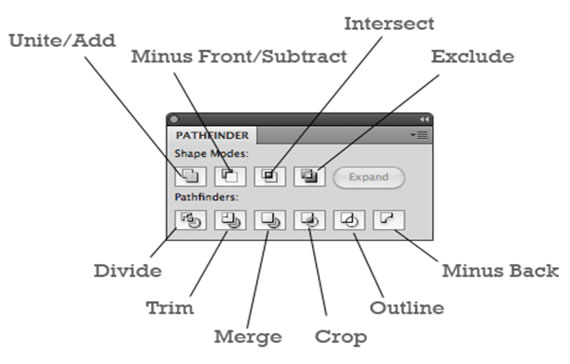
6. Opacity Mask Tutorial

Hiding a part of your illustration can make more important another part of it.
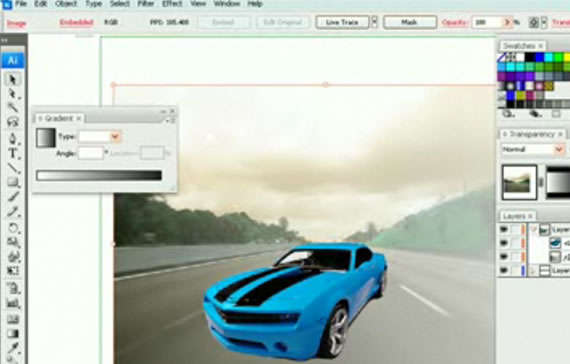
7. Create an Ipod

We all love Apple products and this tutorial help you to customize the famous ipod in no time.
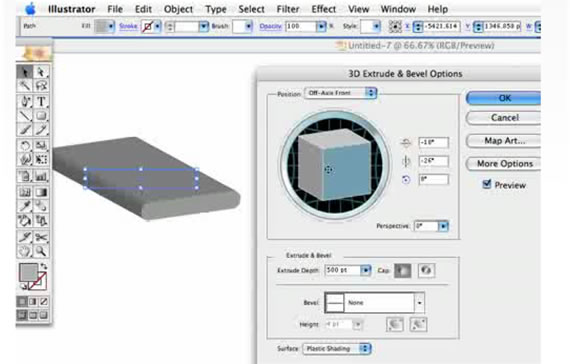
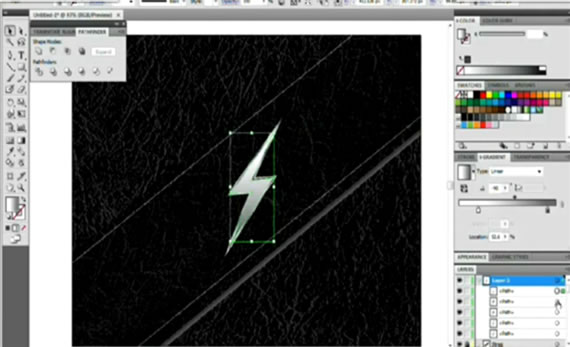
8. Metal Lightning Tutorial

Metal inspires professionals and this tutorial is 100% pro and free.
9. Make a 3D Logo in Illustrator

3D Logos are much more interesting than simple plain ones…so check this great tutorial to see how you can create one.
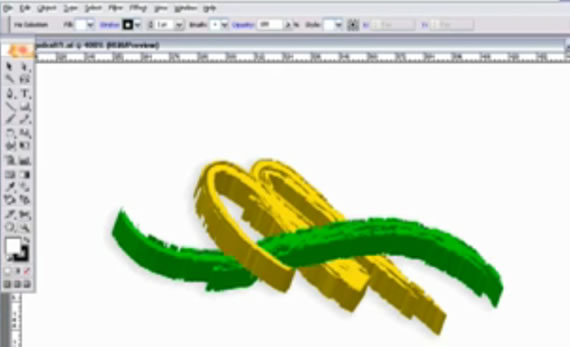
10. Adding Texture in Illustrator

Any type of texture for any type of Illustration.

11. Creating an Eye-Ball

Eyes are very important for any human character, and that’s why this is a very important tutorial.
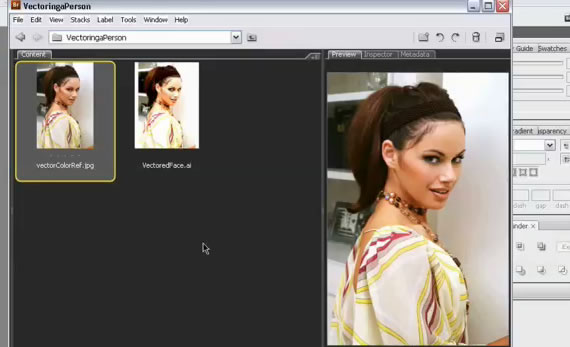
12. Create a raw logo design

Professional Logo design for your company.
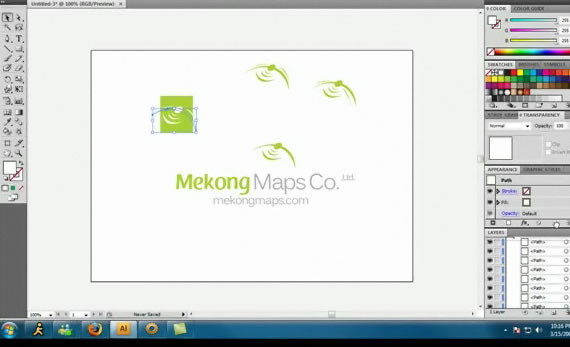
13. Create a neon glow in CS 3

This is a pro glowing effect.

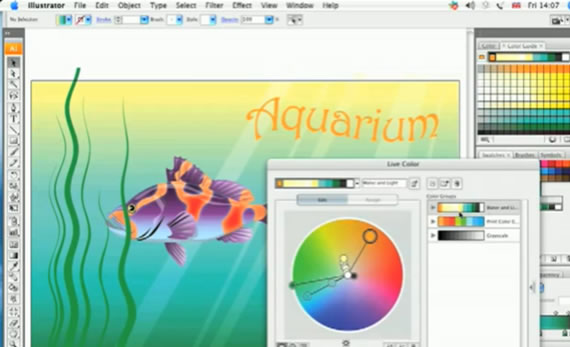
14. Live Color

Choose most interesting and inspiring colors for your creations.
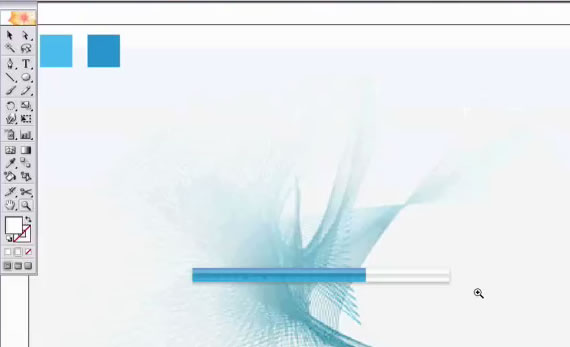
15. Drawing a gell progressbar

A progressbar is very important for Flash animations and applications.
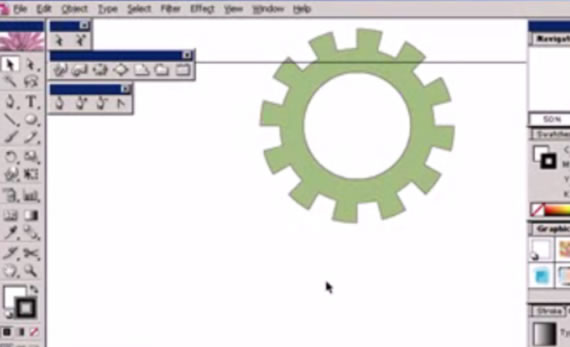
16. Draw Gear

Drawing a gear is just the title, but this tutorial will help you to create many types of illustrations.
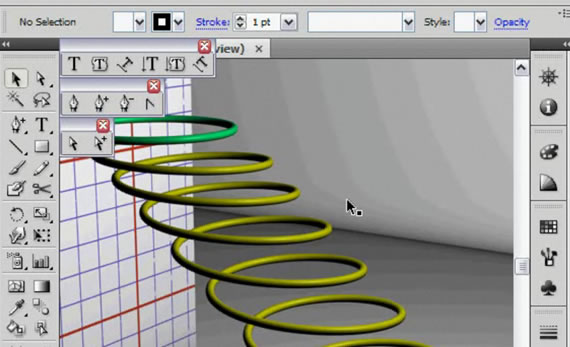
17. Create a Helix in Ai

A helix can be useful in many ways and that’s why you should take a look at this tutorial.
18. How to design a professional logo using Adobe Illustrator

Create a custom logo for your company.
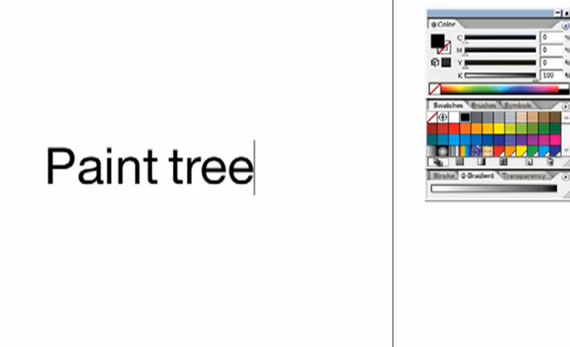
19. Draw a Valentine’s Day e-card

I know that it isn’t february yet, but you definitely should know how to draw a valentine.
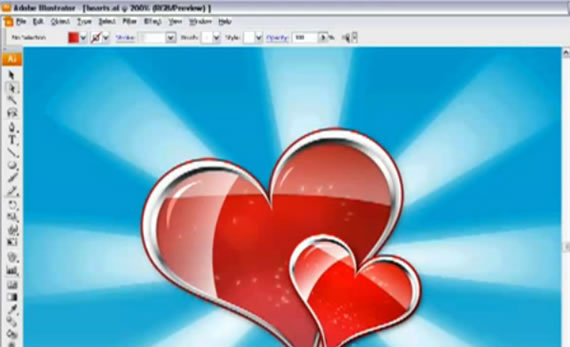
20. Shiny Text

Shiny text was always interesting and with this tutorial you will be able to create it too.
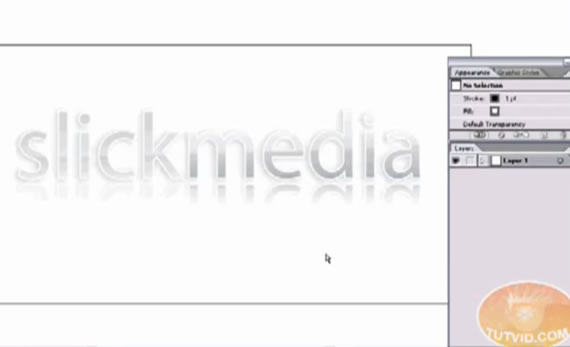
21. About Transformation Tools

Restizing, croping and wrapping can improve your works and make them more attractive.
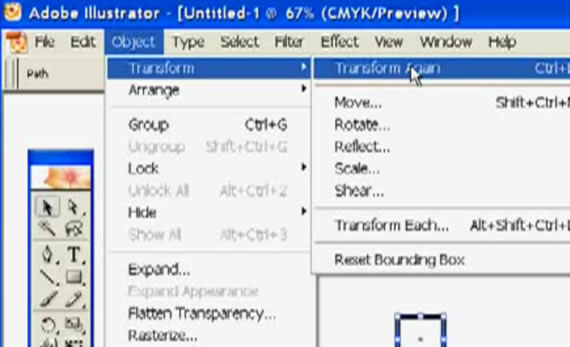
22. Tribal Sun

Famous and cool sign created in illustrator.
23. The Gradient Tool
24. Blob Brush: Shape Objects

A cool new feature for Illustrator.
25. Artboards in CS4

Artboards feature for CS4.
26. Blending Gradients

“Play” with gradients to create interesting designs.
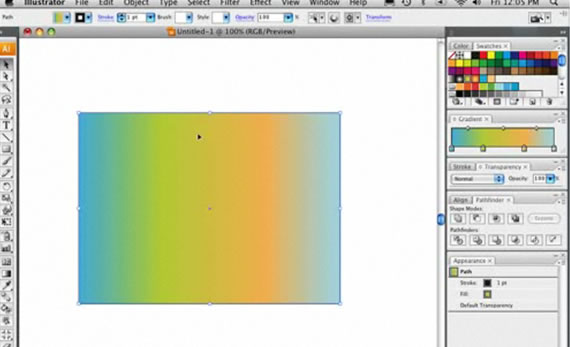
27. Create a fusion between Adobe Illustrate and Photoshop

Use Photoshop and Illustrator components to build better and powerful designs.

28. Create a metal like button

A very nice looking metal button.
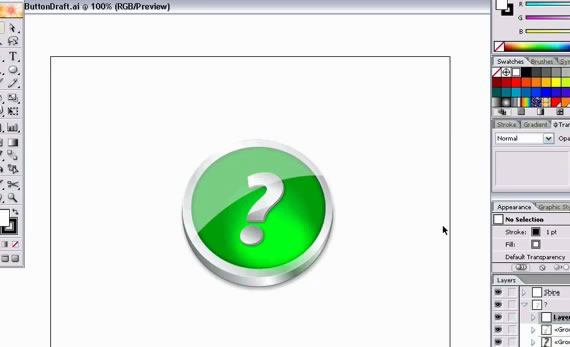
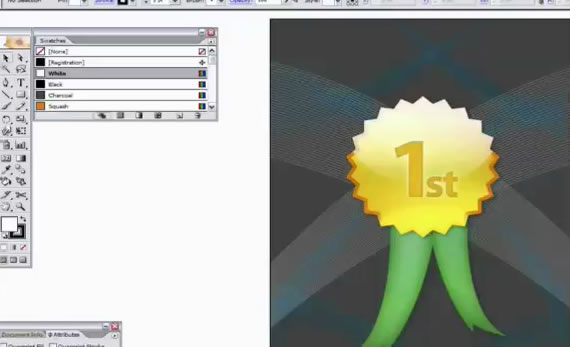
29. Cool Award Badge

Vey useful illustration for any type of activity which includes competition or quality review.
30. Wood Effect with gradients

Bring the nature into your creations.
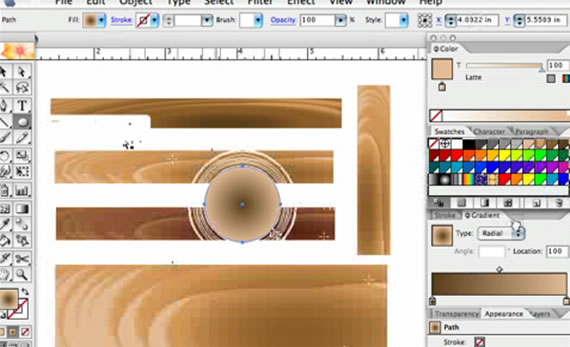
31. Background Effects Illustrator Way

Even if you are a beginner with this tutorial you will be able to create pro background effects.

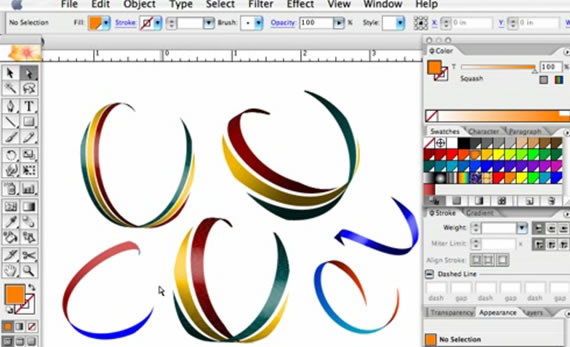
32. Create Ribbons

Cool and instant ribbons.
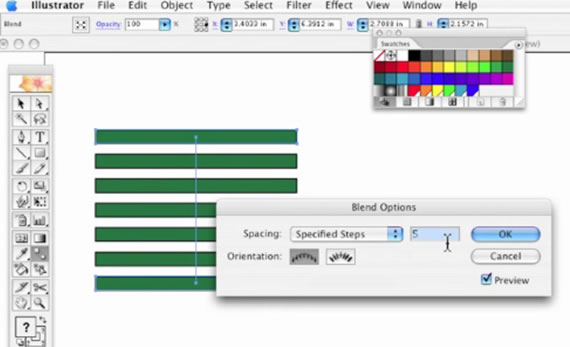
33. Spacing Boxes in Illustrator

This will make your job a whole lot easier.
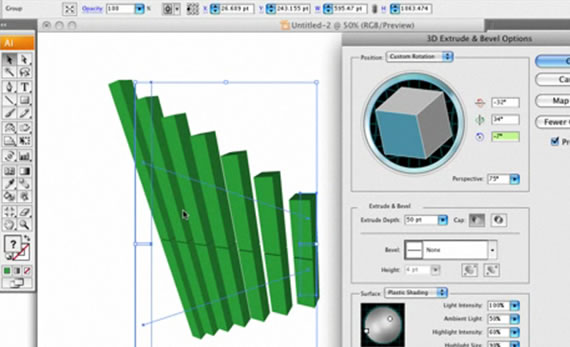
34. 3D Effects Graph

Create a cool stats graph in 3D.
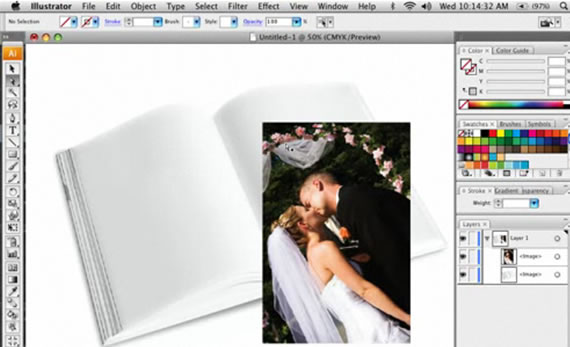
35. Wraping in Illustrator

Modelate your images and illustrations in no time.
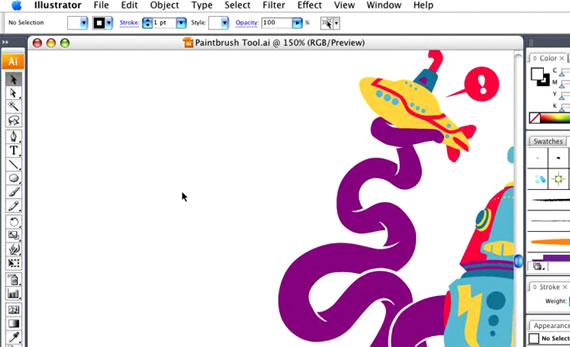
36. Using The Paint Brush Tool

The most essential drawing tool available in Illustrator and Photoshop.
37. Draw Fluffy Clouds

Funny and flower-power clouds.
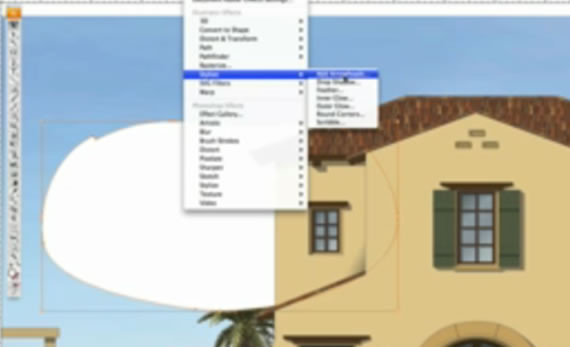
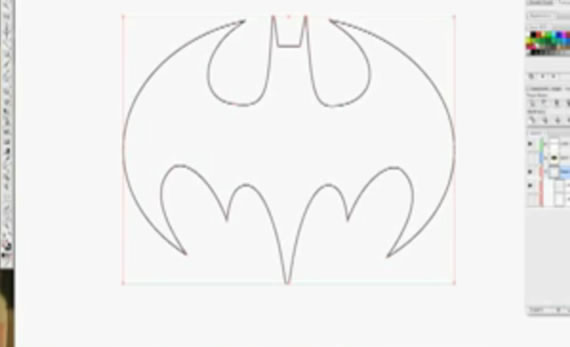
38. How to draw Batman’s logo

One of the coolest Cartoon hero sign can now be easily reproduced in Illustrator
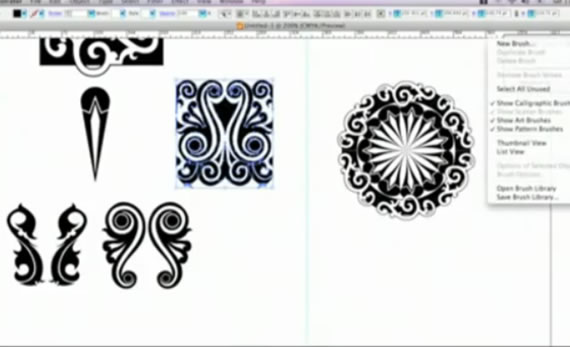
39. Intricate Patterns

Create cool backgrounds for your design projects.
40. Using Live Paint

Bring life into your Illustrator creations.
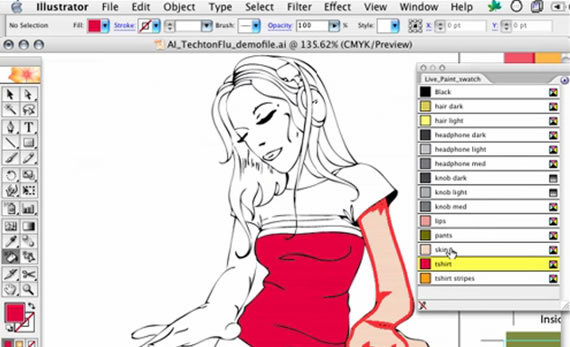
41. Line Draw for Cartoons

Make your cartoon creations more interesting for everyone.

There are a lot of factors that play a role in determining the success of a freelance web designer. Obviously, design ability and technical skills are needed, but other factors like customer service, marketing, networking, and work ethic will have a significant influence. In this article we’ll take a look at customer service as it applies to freelance designers.

Providing high-quality customer service can at times be frustrating for freelancers, but taking good care of your clients is critical for client retention and for encouraging word-of-mouth referrals. Here we will look at 10 aspects that should be considered by freelancers who aspire to provide a high level of customer service.

1. Being Reachable

When clients have a question or a problem, they want to know that there is someone they can contact to get help. Of course, freelancers don’t have a team of customer service people ready to handle calls and emails around the clock, but in general it’s necessary to be accessible to clients. Clients should know the best ways to contact you (office phone, cell phone, email, through a customer service portal, IM, Twitter, etc.) and when they can expect to get a response if they are not able to speak with you immediately. Most clients understand that freelancers will not be available 24 hours a day, but they should know that you are interested in helping them and the best way to go about it.

2. Timely Response

Since it’s very common to deal with customer service via email and voice mail, the client should be able to know that you will get back to them as quickly as possible. The amount of time will vary, but clients should not feel like their messages are falling through the cracks and only answered whenever you have the spare time. Clients will appreciate customer service that involves a prompt response, which shows that service is a priority to you.

3. Organization

Organization is important in order to be able to provide quality customer service with timely responses. Working on multiple projects at any given time, plus some questions/issues from other clients needing maintenance, means that without organization it will be difficult to stay on top of things. Some freelancers use a CRM (see 12 CRM Options for Freelancers), while others institute their own system for organization. Organization also has a major impact on the ability to meet deadlines, which is a critical aspect of keeping your clients satisfied with your work.

4. Patience with Explanations

Clients like to work with designers who are willing and able to meet them at their level, where the designer will explain things in a way that makes sense to the client. There will be plenty of situations where you will need to explain your reasoning to the client, whether it be in response to a question or suggestion from them, or whether it is something that you feel needs to be pointed out. Taking the time to explain things without technical jargon will help to educate your clients and should help to make your job easier going forward.

5. A System for Quotes/Estimates

Some designers use packages with set prices for specific types of projects, but many designers will provide a quote specifically based on the needs of each client. Even for those designers that offer prices by packages, there will be situations where a client’s needs do not quite fit into one of the existing packages and a quote will be needed anyway. Pricing design services is a hot topic that gets a lot of attention, but the quote/estimate process doesn’t get as much attention.

The quote involves more than just being able to price your services. It should also help you to evaluate exactly what the clients needs and what you can offer, the specific details of what is included in the price and what is not, any deadlines and/or project milestones that are involved, and any other relevant details. Having a system will help you to get information from the client that will help you to make better estimates, provide a timely response, and to cover all bases so that both the designer and client understand the specifics of what is being offered.

6. Effective In-Take Process

One of the most critical aspects to a successful design project is getting to know and understand the client’s specific needs, their business, their customers, and what is needed from the website. In order to get this right, it is necessary to dedicate the needed time upfront before the design work begins. Many designers have standard approach to client in-take that helps them to make sure all the right questions are asked.

Putting more effort in to the early stages of the designer/client relationship will help to improve the customer service down the road. A project that involves a solid in-take process will result in a more effective and efficient use of your time, and fewer issues that will need to be resolved at later stages of the process, which will make your customer service much easier.

7. Clear Contracts and Terms

Contracts not only serve to protect everyone involved from a legal perspective, but having contracts and clear terms with clients will help to reduce the potential for miscommunication and misunderstanding about pricing, payment terms, what is included in the price, and the responsibilities of the designer and the client. A lack of clarity in any of these areas can lead to problems and lots of customer service work.

8. A System for Working with Feedback

Every client project will involve some sort of feedback, and many will require revisions from the designer. In some cases, the feedback may be coming from a few different sources, and it could involve a number of different people. This contributes to making it even more important to have a system to deal with feedback and to incorporate it into the project.

There are a number of different resources out there, such as Proof HQ, that are available to make the process more streamlined and effective.

9. Concern for the Client’s Best Interest

In order to provide the highest level of customer service possible, it is necessary to have the client’s best interest in mind. There will be situations where you could recommend something to a client that would involve more money for you, but it may not be in the best interest of the client. While putting the client’s interests in priority may cause you to miss out on some income opportunities in the short-term, it’s a necessary part of providing good customer service. Clients will recognize when you are truly looking out for them and it will lead to increased trust in you, a greater chance of getting repeat business, and more referrals from current and former clients.

10. Respect for Your Time

Just like you need to respect your clients, you also need to respect your own work and time. Simply catering to unreasonable requests or doing endless revisions for clients that keep changing their mind is not required to provide good customer service. The ideal designer/client relationship involves mutual respect and a concern for being fair on both sides. There will be times when providing some type of service to your customer is outside the scope of the contract. In these situations the best customer service will involve a willingness to help the client get the service that they want, but at an additional fee.

Provide the best customer service that you can, but also have a respect for your time that prevents you from getting walked on. A healthy designer/client relationship will produce the best results for the client, improve the chances of a long-term working relationship, and promote a genuine interest in working together for success.

What’s Your Experience?

From your experience, what do you feel are the most essential aspects to customer service for freelancers?

VideoTeaching.com

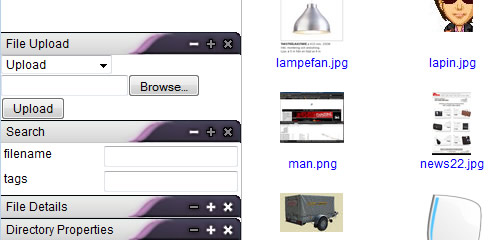
If you are looking for a powerful file manager ready to use in your web projects and simple to customize, take a look at this list with the best and free file manager currently in circulation. Some of these file managers support PHP only or javascript only or Ajax that will give you powerful tool to easily browse directories and files on the server, search, upload and download files, edit, copy, move, delete files and more.

If you know other interesting resources about this topic please leave a comment!

1. AjaXplorer

Ajax File Manager

AjaXplorer is a free Ajax file manager with an easy-to-install file explorer for remotely managing files on a web server. Its “rich client” layout and actions make it accessible to any end-user for a variety of purposes: file management/sharing, photo gallery, code browsing, etc. Only PHP (4 or 5) is necessary, no database needed.

  • Rename/Copy/Move/Delete/Download files or folders
  • Upload multiple files and track status with progress bar (Flash required and no https)
  • Create folders and empty files
  • Edit Text files and code files (js, php, html, java, sql, perl), syntax is highlighted in the editor
  • View Images online, preview images in the list, diaporama of a given folder
  • Listen to MP3sonline without downloading them
  • View Flash videos (FLV) online and full screen.
  • Browse and Extract ZIP files online

2. fileNice

Ajax File Manager

fileNice is a free php file browser, particularly useful if you have a ‘dump’ folder on your server where you regularly upload files and you want to be able to see what’s there.

3. File Thingie

Ajax File Manager

File Thingie is a small web-based file manager written in PHP. It is intended for those who need to give others access to a part of their server’s file system when FTP is not practical. Through File Thingie you and your users get access to the most common functions:

  • Simple — Just one file
  • Upload multiple files at once
  • Multiple users and user groups
  • Create subdirectories
  • Rename, move, delete and copy files and folders
  • Search for file and folder names
  • Control access to files based on black- or whitelists
  • Edit text files
  • Unzip files without downloading
  • Easy customization of the CSS based layout
  • Translate into your own language

4. MooTools based FileManager

Ajax File Manager

A MooTools based File-Manager for the web that allows you to (pre)view, upload and modify files and folders via the browser. Features include:

  • Browse through Files and Folders on your Server
  • Rename, Delete, Move (Drag&Drop), Copy (Drag + hold CTRL) and Download Files
  • View detailed Previews of Images, Text-Files, Compressed-Files or Audio Content
  • Nice User Interface
  • Upload Files via FancyUpload (integrated Feature)
  • Option to automatically resize big Images when uploading
  • Use it to select a File anywhere you need to specify one inside your Application’s Backend
  • Use as a FileManager in TinyMCE

5. Relay

Ajax File Manager

Relay is a wonderful piece of ajax code written with the aid of the prototype ajax toolkit. It does a wonderful job of uploading / downloading and managing files on your private server, let’s check out some of its features:

  • drag-n-drop files and folders
  • dynamic loading file structure
  • upload progress bar
  • thumbnail view, including pdf
  • multiple users & accounts

6. Kae’s File Manager

Ajax File Manager

KFM is an online file manager which can be used on its own, or as a plugin for a rich-text editor such as FCKeditor or TinyMCE. KFM is Open Source, and you are free to use it in any project, whether free or commercial. Let’s check out some of its features: drag-and-drop everything, icon-view, list-view, plugins, image manipulations, slideshows, easy installation and upgrades, syntax-highlighting text editor, search engine, tagging, multi-lingual. plugins for mp3 playback, video playback.

7. eXtplorer

Ajax File Manager

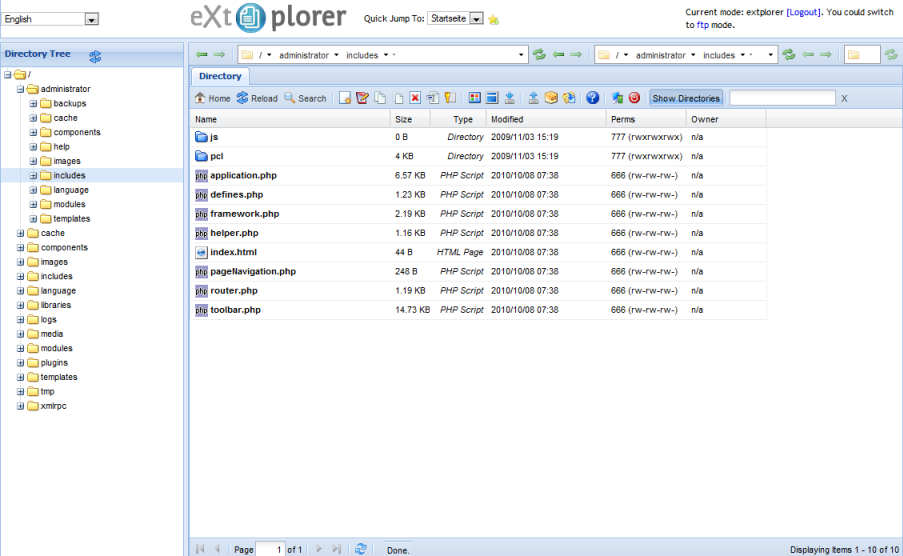
eXtplorer is a web-based File Manager. You can use it to. Features include:

  • browse directories & files on the server and
  • edit, copy, move, delete files,
  • search, upload and download files,
  • create and extract archives,
  • create new files and directories,
  • change file permissions (chmod) and much more…

Delivering informative structure is the primary task an interactive user interface should be able to cope with. The more intuitive layout structure is designed, the better users can understand the content.

Whatever content you have to present, you can present them in a more interactive & more responsive ways. In this article we’d like to present 10 smart javascript techniques for showing and hiding content using different JS libraries.

1. Simple Toggle with CSS & jQuery

A simple toggle tutorial with an explanation of how to switch the “open” and “close” graphic state. The markup is pretty straight forward, where the h2 tag is a link that “trigger” the toggle effect. Below the h2, we will have our container where we hold the content.

Toggle Header

Content Header

2. jquery-fade-infade-out

A nice fade in fade out effect you can add to your website. The effect fades an element to 30% on arrival of the website, then when you hover over it, it fades to 100%. The effect can be assigned to basically anything in a website wether it be an image, text, a link or even a div.

$(document).ready(function(){
$(“ELEMENT HERE”).fadeTo(“slow”, 0.3);
$(“ELEMENT HERE”).hover(function(){
$(this).fadeTo(“slow”, 1.0);
},function(){
$(this).fadeTo(“slow”, 0.3);
});
});
3. How to Mimic the iGoogle Interface

In this tutorial you will learn how to create a customizable interface with widgets. Each widget can be collapsed, removed and edited. The widgets can be sorted into the three seperate columns by the user (using a drag and drop technique). The finished product will be a sleek and unobtrusively coded iGoogle-like interface which has a ton of potential applications using jQuery’s UI library and specifically the “sortable” and “draggable” modules.

4. Show/hide a nice Login Panel using Mootools 1.2

In this tutorial, we will see how to create a show/hide login/signup panel for your website using Mootools 1.2

5. jQuery pageSlide

jQuery pageSlide is a plugin for jQuery that slides the viewable webpage off-screen, revealing and populating a secondary interaction pane. It may be used in a similar manner to Lightbox, where screen real estate and centralization of the user experience are a concern.

The primary window is reserved for content; secondary interactions do not require additional space on the page — the area they need is created and removed on demand.
Because the user can see the original window, they have a greater likelihood of retaining focus, and can easily return to the previous task.
6. Liquid expandable section with rounded corners using CSS

This tutorial explains how to design a nice liquid expandable section with rounded corners (top-left, top-right, bottom-left, bottom-right) using some lines of CSS, HTML and JavaScript code.

7. How to Make a Smooth Animated Menu with jQuery

This menu has a smooth animation using “easing” effect. There are two actions in the code used here. When the mouse moves over a menu item, that item starts an animation where it expands to 150px tall over 0.6 seconds. The easing applied through the plugin is ‘easeOutBounce’ which causes the box to “bounce” a little as it reaches the end of the animation (”out”). When the mouse is moved off the animation to the starting size is triggered.

8. Lazy Load

Lazy loader is a jQuery plugin written in JavaScript. It delays loading of images in (long) web pages. Images outside of view port (visible part of web page) wont be loaded before user scrolls to them. Using lazy load on long web pages containing many large images makes the page load faster. Browser will be in ready state after loading visible images. In some cases it can also help to reduce server load.

9. MOOSLIDE – AJAX CONTENT SLIDE

MooSlide’s functional solution is to present any contentis. It is a small and slim ajax based extension or replacement of the common “lightbox” that can be found on nearly every page. It is based on the mootools framework.

10. The Sexy Curls jQuery Plugin

Sexy Curls jQuery plugin is an open source solution which lets you share in the beauty of the page fold feature with ease. It uses the jQuery UI & its resizable package.